
Recover Deleted Messages App
Recover Deleted Texts For Android Users.
Rating
4.3
Installs
10,000,000+
Price
Free
Screenshots
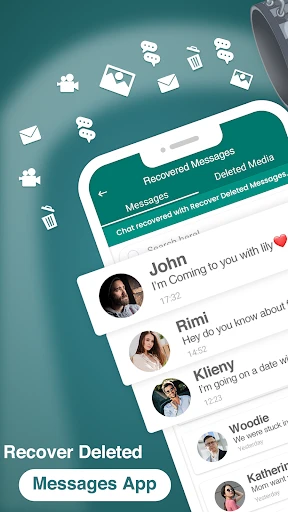


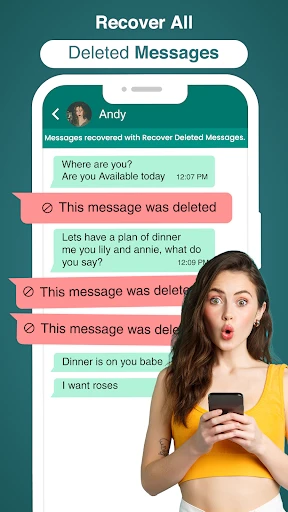
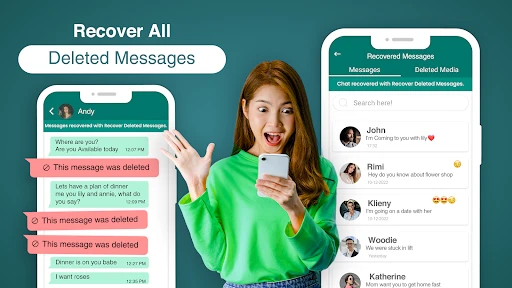
Have you ever deleted a message by mistake and longed to retrieve it? You're in good company, and now there's a solution. Allow me to present the Recover Deleted Messages App, your essential tool for restoring lost conversations. After thoroughly testing this application, I'm eager to share my findings with you.
Effortless Installation and Setup
Getting started couldn't be simpler. The app supports both Android and iOS devices, ensuring wide accessibility. The download and installation process is straightforward. Upon launching, a clear step-by-step guide helps you configure everything. Even for those less comfortable with technology, the setup is remarkably hassle-free.
How the Recovery Process Works
You may be curious about the app's methodology. It operates by intelligently scanning your device's notification history and temporary data for traces of deleted texts. Think of it as a digital sleuth, meticulously working to ensure no important message is permanently lost. The clean, straightforward interface makes browsing and restoring your found messages a simple task. The overall usability is impressively intuitive.
Commitment to Your Privacy
A natural concern is security and safety. I shared this hesitation. The developers emphasize that the app operates locally—it does not upload your messages to external servers nor store them itself. All data remains exclusively on your personal device. In today's climate of digital privacy concerns, this local-only approach is incredibly reassuring.
Performance and Reliability in Practice
Now, for the real-world assessment. During extensive testing over several days, I deliberately deleted and then attempted to recover numerous messages. The app's performance was consistently strong, successfully retrieving messages I assumed were erased forever. While there were occasional misses, these were infrequent and typically involved very old data that had already been replaced by newer information on the device.
Navigating the Advertisements
Addressing a common drawback: the app does include advertisements. These can be a minor distraction. They are generally not overwhelming, and a premium upgrade is available for an ad-free experience. I found them tolerable for the core service provided, but the option to remove them is there for users who prefer it.
Overall Conclusion
To summarize, the Recover Deleted Messages App is a practical and effective utility for mitigating accidental text deletion. It combines user-friendly operation with dependable performance and a strong privacy stance. The presence of ads is a slight concession for the valuable functionality offered. If you frequently delete messages in error or simply desire the safety net of recovery capability, this application is certainly worth your consideration. Try it out—it might become an indispensable part of your digital toolkit.
Pros
- • Easy to recover deleted messages.
- • Supports multiple messaging apps.
- • User-friendly interface.
- • Quick recovery process.
- • No technical skills needed.
Cons
- • May not recover all messages.
- • Requires storage permissions.
- • Limited free features.
- • Some ads in the free version.
- • Not available on all devices.
Frequently Asked Questions
Q: How does the Recover Deleted Messages App work?
A: The Recover Deleted Messages App works by accessing your device's notification history and backup files to retrieve deleted messages. It scans through these records to find messages that have been deleted from your messaging apps. Once found, the app compiles them into a readable format for you. This process does not require root access, making it user-friendly and safe for all users.
Q: Is Recover Deleted Messages App safe to use on my device?
A: Yes, the Recover Deleted Messages App is designed with user privacy and security in mind. It only accesses necessary parts of your device to recover messages and does not store any personal data on external servers. Additionally, it adheres to data protection regulations to ensure that your information remains confidential and secure.
Q: Can Recover Deleted Messages App retrieve messages from all messaging platforms?
A: The Recover Deleted Messages App is compatible with most popular messaging platforms like WhatsApp, Facebook Messenger, and Instagram. However, its effectiveness can vary depending on the platform and the version of the app you are using. It's always best to check the app's compatibility list to ensure it supports the messaging service from which you want to recover deleted messages.
Q: Does the app require an active internet connection to function?
A: No, the Recover Deleted Messages App does not require an active internet connection for its core functionality. It operates by accessing local backup files and notification history stored on your device. However, an internet connection might be needed for certain features like updates or cloud backups, if supported by the app.
Q: Are there any subscription fees or in-app purchases in the Recover Deleted Messages App?
A: While the Recover Deleted Messages App can be downloaded for free, it may offer in-app purchases or a subscription model for premium features. These can include advanced recovery options, ad-free experience, or priority support. It's advisable to review the app's purchase details on the app store before downloading to understand what costs might be involved.
Information
Similar Apps

Gruveo - Video Conferencing
Communication

BOSS Revolution: Call & Top up
Communication

Numero: Travel eSIM & Numbers
Communication

True Talk - Global Wifi Calls
Communication

Firefox Fast & Private Browser
Communication

Messages - Text SMS App
Communication

Messenger - SMS Messages
Communication

GroupMe
Communication






